How Much Thermal Paste to Use
How much thermal paste? A pea-sized dot (~0.1–0.3 g) covers most desktop CPUs. Exact amounts by chip and GPU, applications per tube, and why more isn't better.
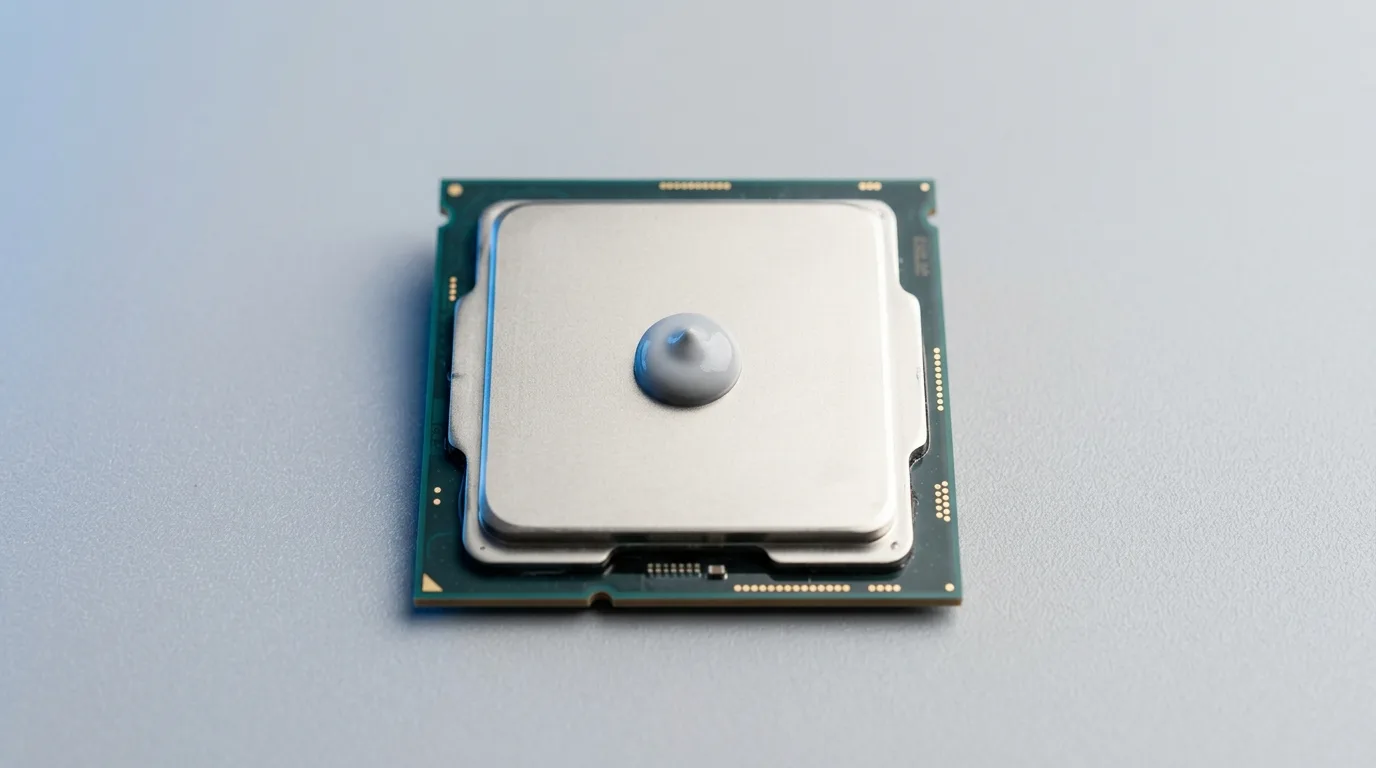
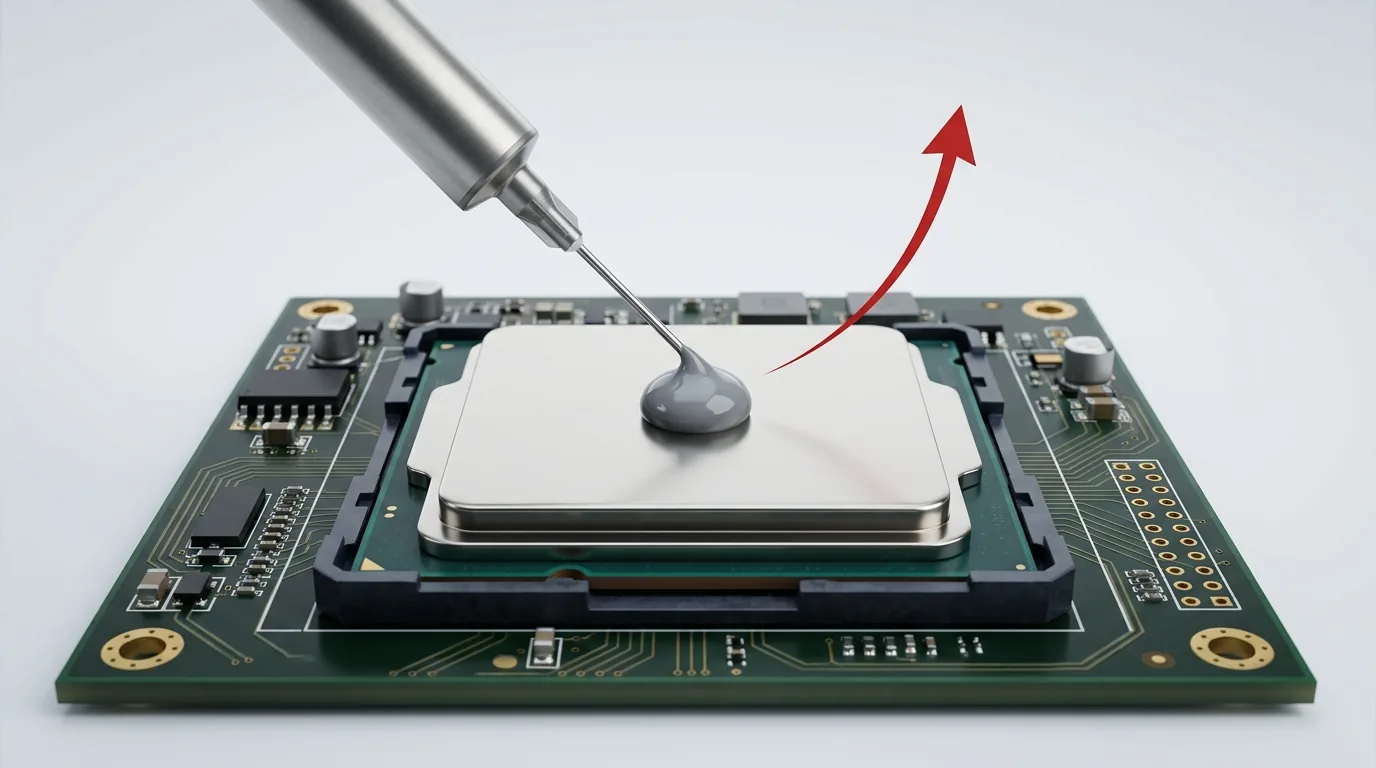
For a standard desktop CPU, use a pea-sized amount of thermal paste — roughly a 4–6 mm dot, about 0.1–0.3 g, placed in the center of the heat spreader. Mounting pressure spreads it into a thin, even layer as you seat the cooler. That’s the answer for most people. But “pea-sized” hides a lot: a large modern CPU, a bare laptop die, and a GPU each want a different amount. And the two errors are not symmetric — too little is the real failure mode; too much costs you almost nothing thermally. Here are real numbers.
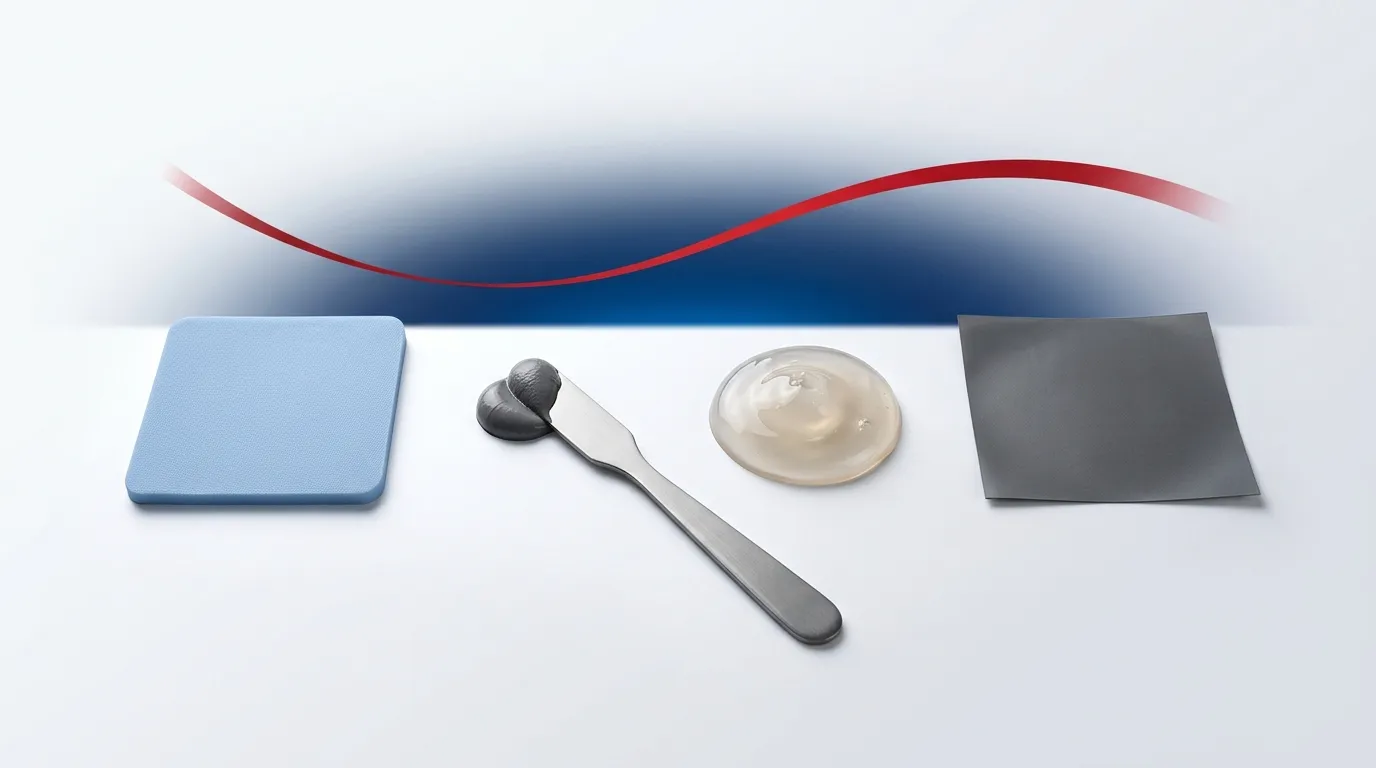
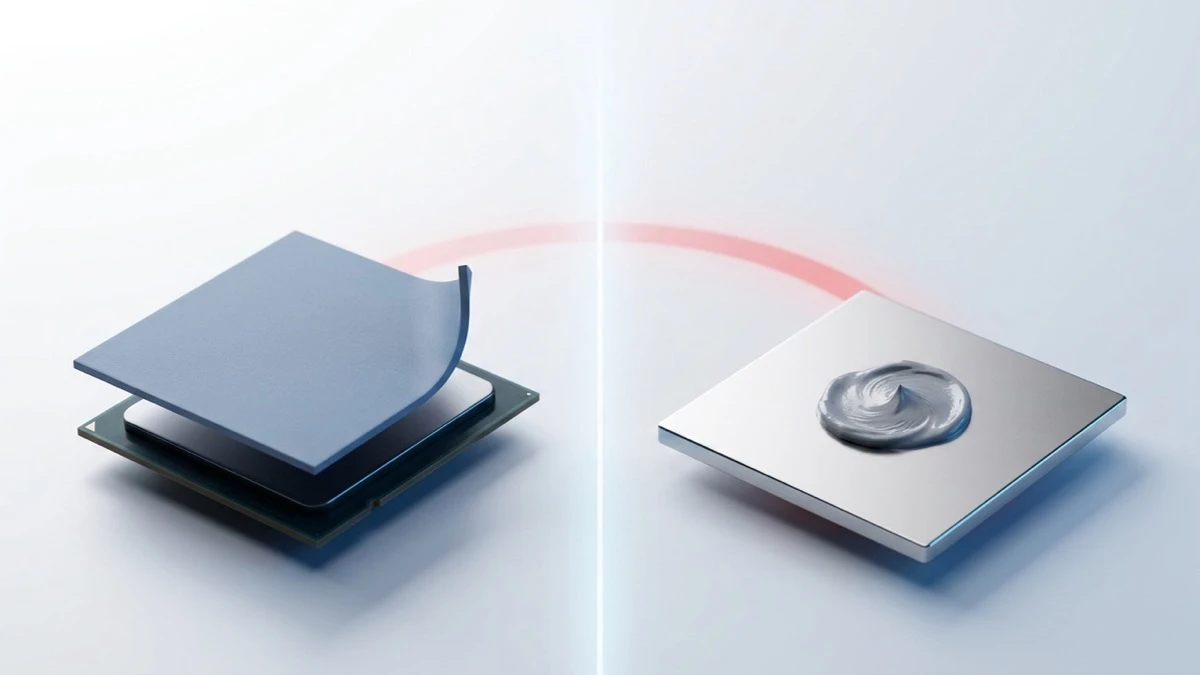
This pairs with how to apply thermal paste correctly (technique) and how to remove & clean off thermal paste (redo). If you’re unsure whether paste is even the right interface, see thermal pad vs thermal paste.
The goal: a complete, thin, bubble-free layer
Thermal paste exists to fill the microscopic air gaps between the chip’s lid (or die) and the cooler — nothing more. The ideal is the thinnest continuous layer that still covers the whole contact area, with no dry spots and no trapped air. “How much” is really “just enough to achieve full coverage after the mounting pressure squeezes it out.” Too little leaves uncovered gaps; too much leaves a thick layer that adds resistance and can ooze onto the board.
How much by component — a real quick-reference
| Component | Contact area | Recommended amount | Pattern |
|---|---|---|---|
| Standard desktop CPU (Intel LGA115x/1200, AMD AM4) | Medium IHS | Pea-sized, ~4–6 mm dot (~0.1–0.3 g) | Single center dot |
| Large-IHS desktop CPU (AMD AM5, Intel LGA1700) | Larger, rectangular IHS | Slightly larger dot or a short line, ~0.3–0.4 g | Center dot or thin line along the long axis |
| Bare-die laptop / APU / older CPU | Small exposed die | Grain-of-rice, ~3 mm dot | Tiny center dot |
| GPU die (bare) | Small square die | Grain-of-rice to small pea | Center dot |
| Direct-die / delidded | Bare silicon | Small dot; spread thin | Dot or spread |
The principle behind the table: match the amount to the contact area and let clamping pressure do the spreading. A rectangular AM5/LGA1700 lid benefits from a short line so the paste reaches the ends; a small bare die needs far less than a full IHS.
“Is 1g / 2g enough?” — yes, and here’s the math
A pea-sized dot is roughly 0.1–0.3 grams of paste. So:
- 1 gram ≈ 3–10 applications on a typical desktop CPU.
- 2 grams ≈ 7–20 applications.
- A small 1–1.5 g tube that ships with a cooler is good for several mounts, not one.
If you only plan to paste one CPU, 1 g is plenty. Buy more only if you’re doing multiple systems or expect to reseat.
Too much vs too little — which is worse, and why
Both are bad, for different reasons — and most of the “too much insulates” advice online is repeated as folklore without measurement. Here’s the materials reality:
- Too little leaves parts of the interface as bare air gaps. Air is a poor conductor (~0.026 W/mK), so uncovered spots become hot spots. This is the more immediately harmful error.
- Too much doesn’t magically “insulate,” but it does force a thicker bond line than mounting pressure can fully squeeze out. Since resistance rises with thickness, a needlessly thick layer adds a few degrees. Worse, excess paste can squeeze out onto the socket, capacitors, or PCB — and if the paste is electrically or capacitively active, that’s a real risk.
Net: erring slightly toward a touch more (to guarantee full coverage) is usually safer than too little — as long as it’s not so much that it overflows. The pea-sized guideline is calibrated to give full coverage with a thin final layer.
Do I need to spread it manually?
Usually no. For a standard IHS, a center dot plus even mounting pressure spreads reliably and avoids trapped air. Manual spreading (with a spatula or gloved finger) can introduce bubbles if done carelessly, but it’s helpful for large rectangular IHSs, bare dies, and GPUs, where a single dot may not reach the corners — spread a thin, even film in those cases. Application patterns and technique are covered in how to apply thermal paste correctly.
Special case: liquid metal
Liquid-metal TIM is a different animal — you use a tiny amount spread as an ultra-thin film, never a pea-sized blob, and never on bare aluminum (it corrodes it). If you’re using liquid metal, follow its specific instructions, not this guide’s volumes.
Common mistakes
- Guessing by eye and going big. A blob the size of the whole lid is far too much.
- Reusing old, dried paste or pasting over old paste — always clean the old paste off first.
- Applying to both surfaces. Paste one surface (the CPU); the cooler doesn’t also need a layer.
- Ignoring the die/IHS size. A laptop bare die needs a fraction of what a desktop IHS needs.
- Pumping air in by over-spreading. For standard IHSs, let pressure spread the dot.
Frequently asked questions
How much thermal paste for a CPU? A pea-sized dot (~4–6 mm, ~0.1–0.3 g) for a standard desktop CPU; a bit more (a short line) for large AM5/LGA1700 lids; a grain of rice for a small bare die.
How much thermal paste for a GPU? About a grain of rice to a small pea on the bare die, spread thin to cover the square die fully.
Is too much thermal paste bad? Mildly — a too-thick layer adds a little thermal resistance and can ooze onto the board. It doesn’t “insulate” dramatically, but there’s no benefit to excess. Aim for full coverage with a thin final layer.
How many applications are in a tube? Roughly 3–10 per gram on a desktop CPU, so a 1 g tube covers several mounts and a 1–1.5 g cooler-bundled tube is good for multiple applications.
The bottom line
Use a pea-sized dot for a standard CPU, scale it to the contact area (less for bare dies, a touch more for big lids), and let mounting pressure spread it thin. Full coverage with a thin, even layer is the whole game. For the mechanism behind why a thin, complete bond line matters, see what is thermal paste — and note that for larger or uneven gaps a paste isn’t the right tool at all; a thermal pad or gap filler is.