
Thermal + EMI Absorbing
RF Absorber Selection Guide: Applications & Specs
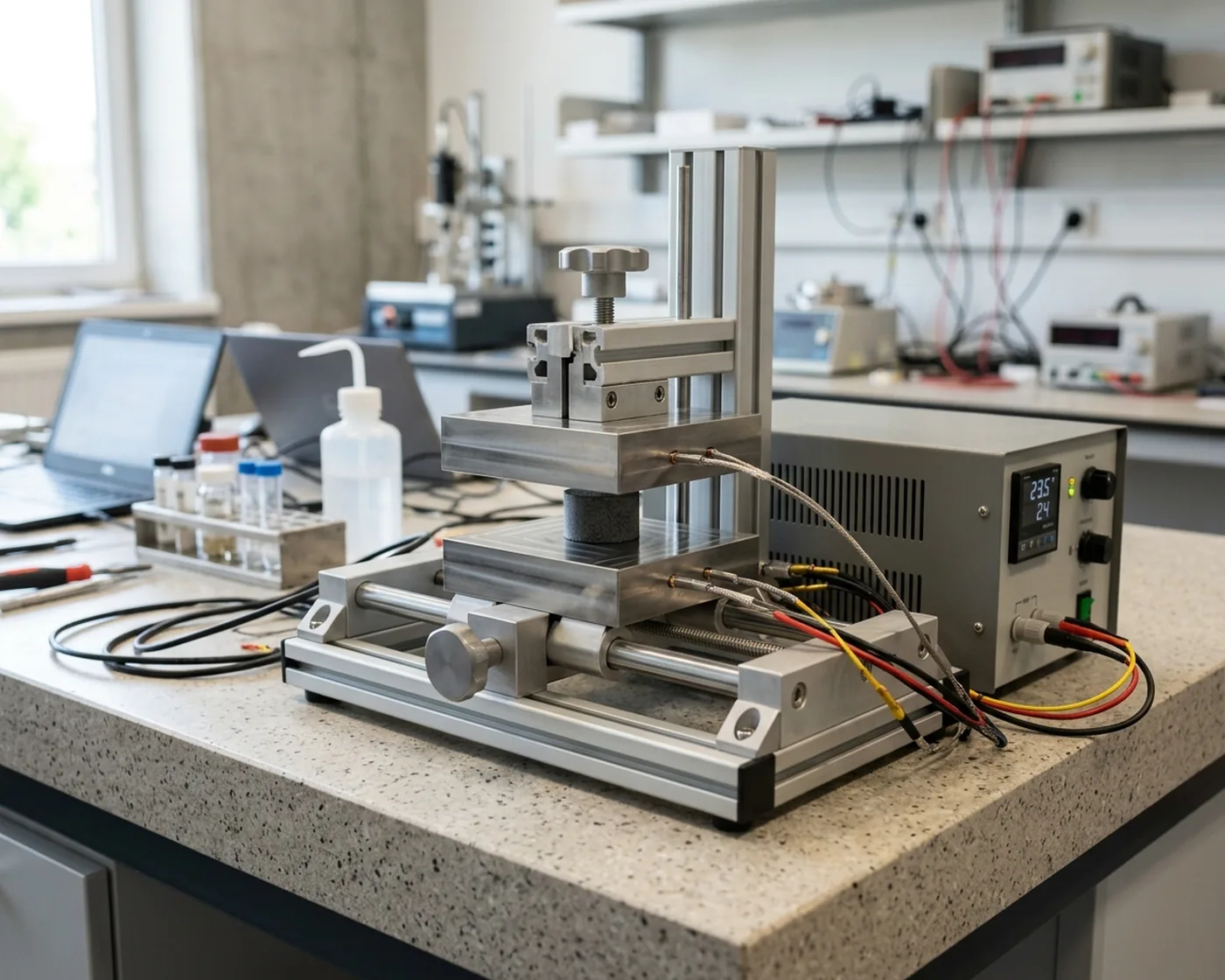
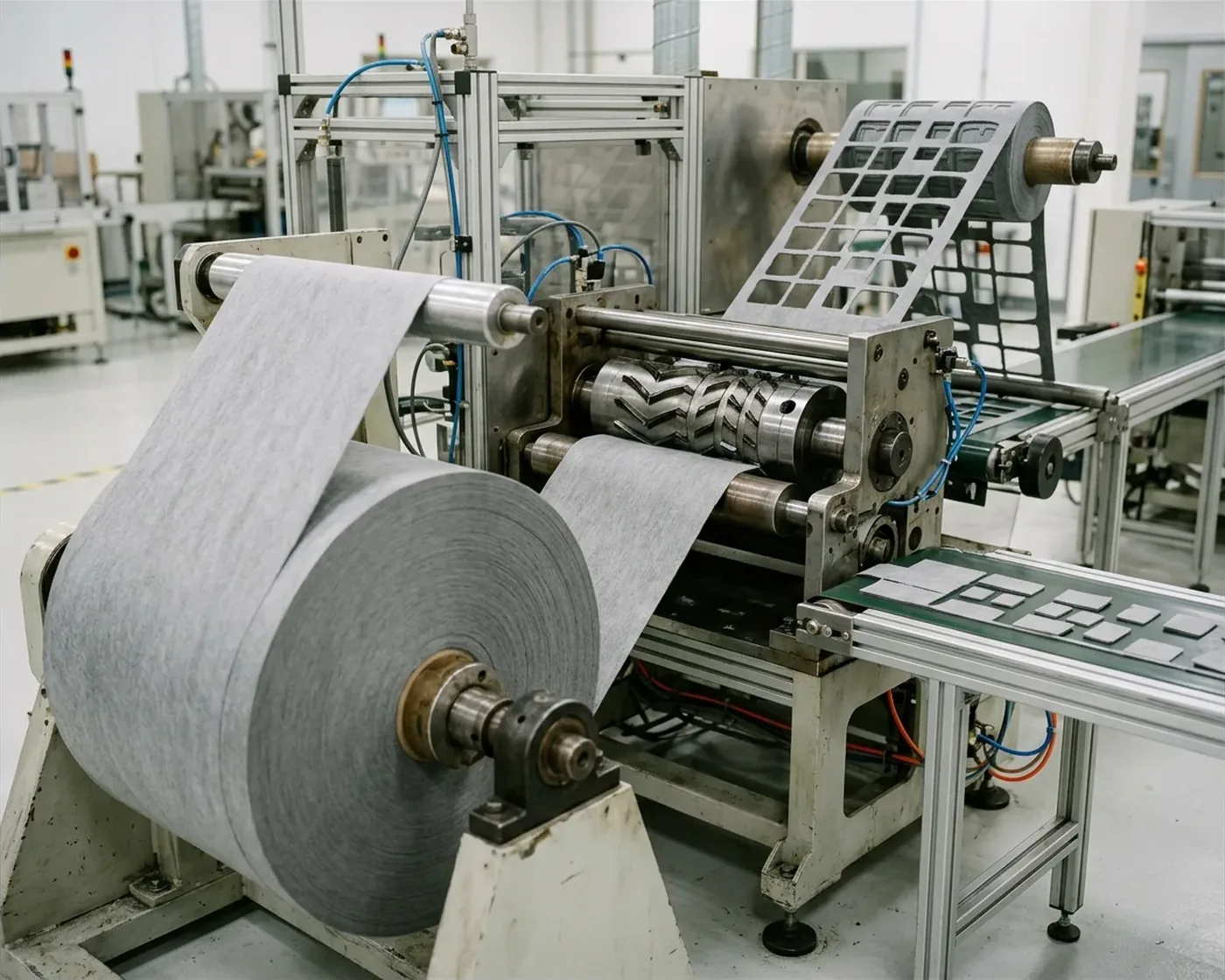
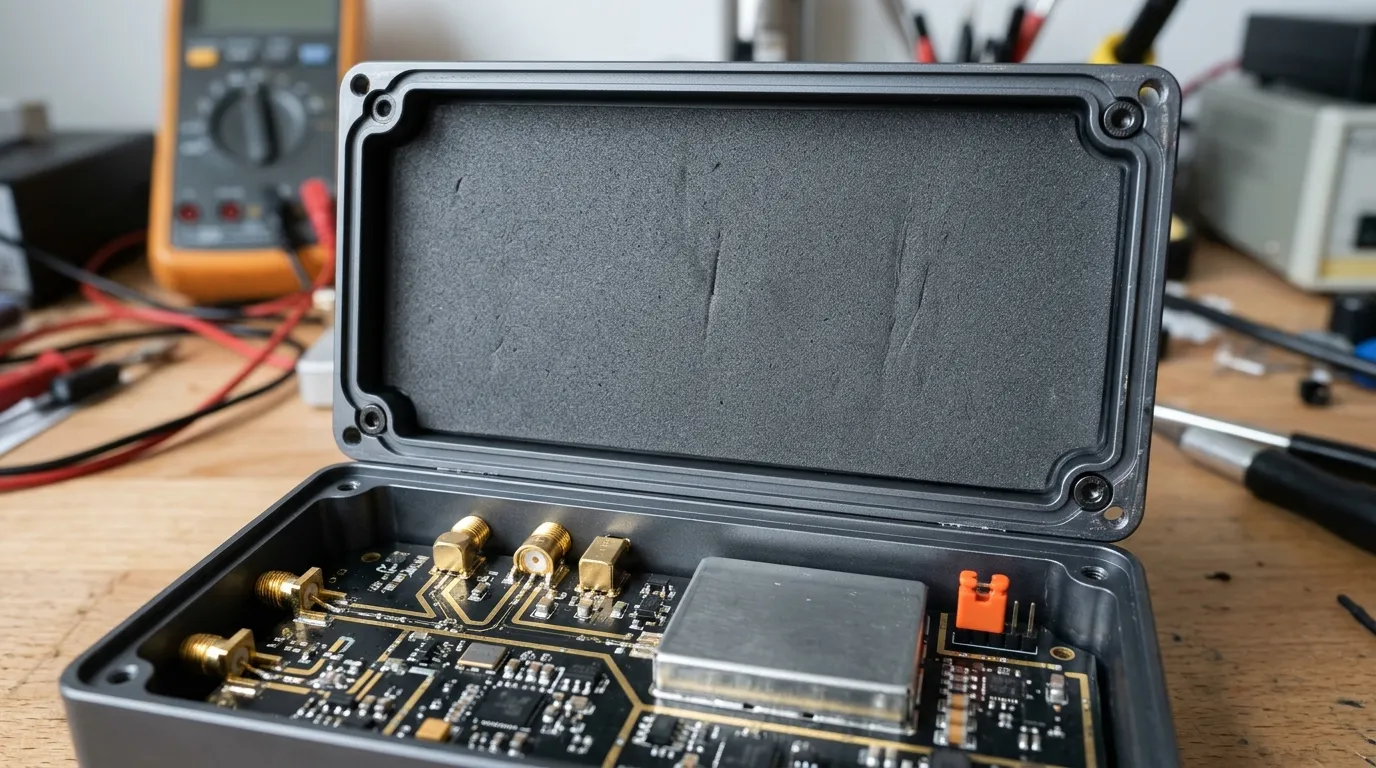
An RF absorber is a tuned part, not a broadband wall. See the five application families, why their dB numbers differ, and the checks to run before you commit.

ZIITEK Knowledge Hub
Selection guides, comparisons and compliance references for thermal interface, sealing, EMI-absorbing and heating materials — grounded in real datasheets and real designs.
Browse by Topic
Every topic below opens onto a hub of guides — pick whichever route matches the question you arrived with.
Which material fits the job — and how to read the spec sheet before you commit.
Thermal design worked through end to end, per industry and per board.
Drop-in replacements, compliance evidence and converting — from spec to purchase order.
Fresh from the Bench
An RF absorber is a tuned part, not a broadband wall. See the five application families, why their dB numbers differ, and the checks to run before you commit.
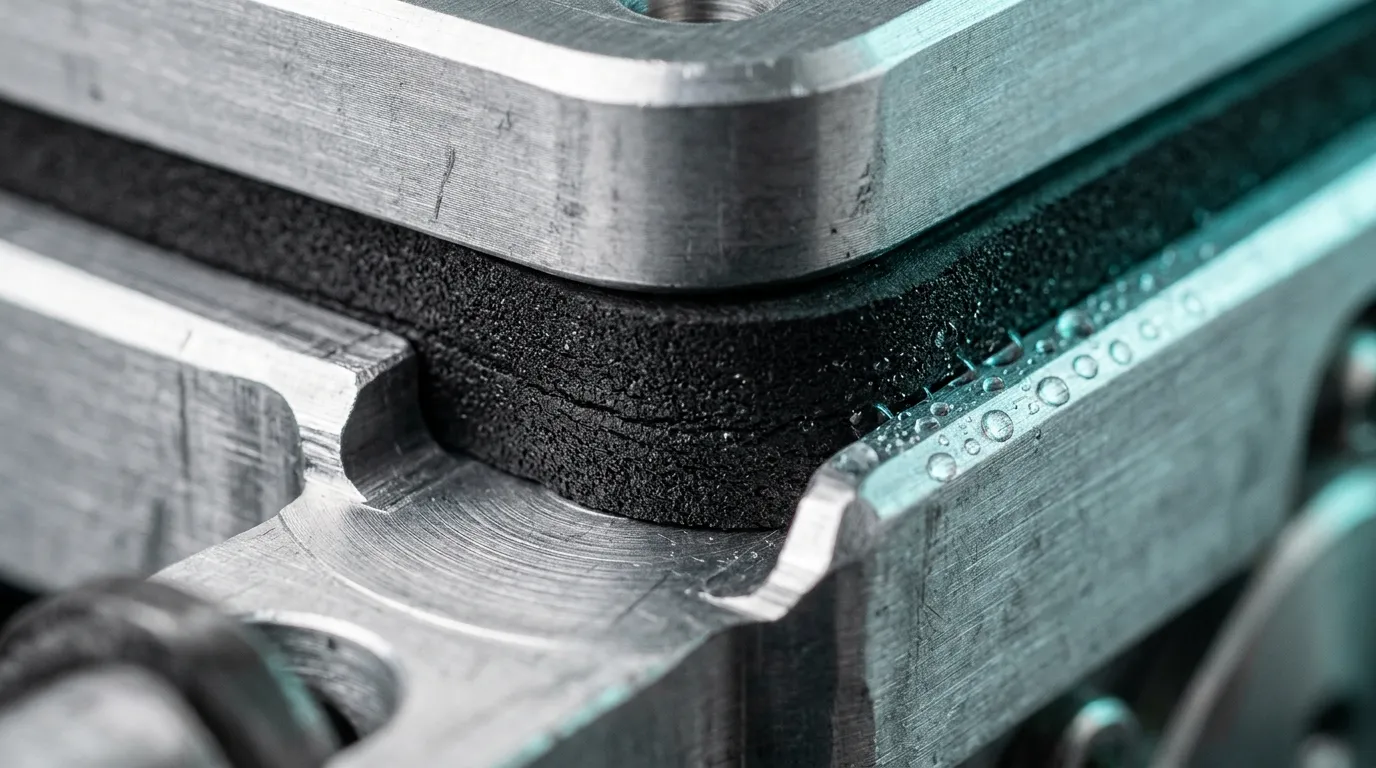
Open-cell foam cushions and absorbs sound; closed-cell foam seals water out. Compare compression set, water absorption, IP ratings and flame behaviour.
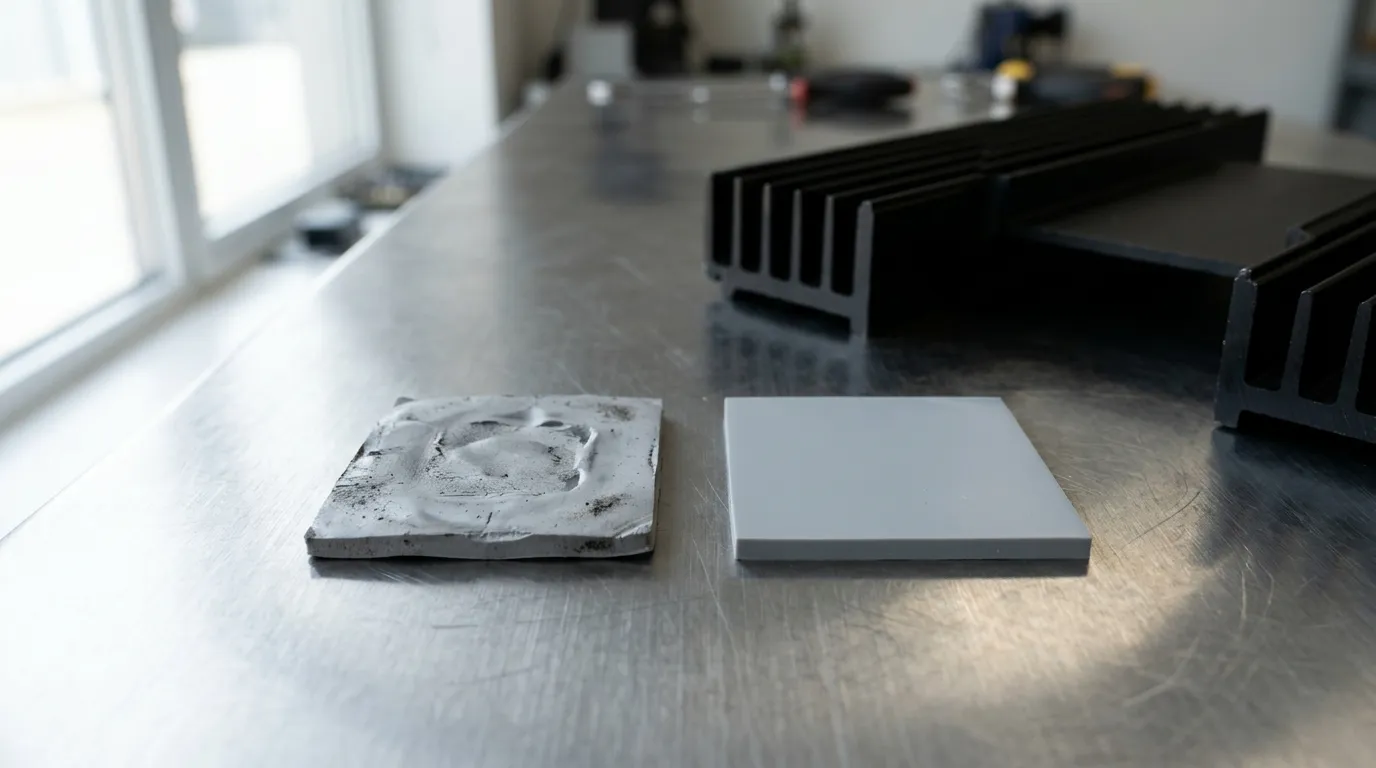
Thermal pad life is three clocks, not one: up to 12 months in storage, 3-10 years in service, and zero recovery once a pad is re-clamped. How to tell which.
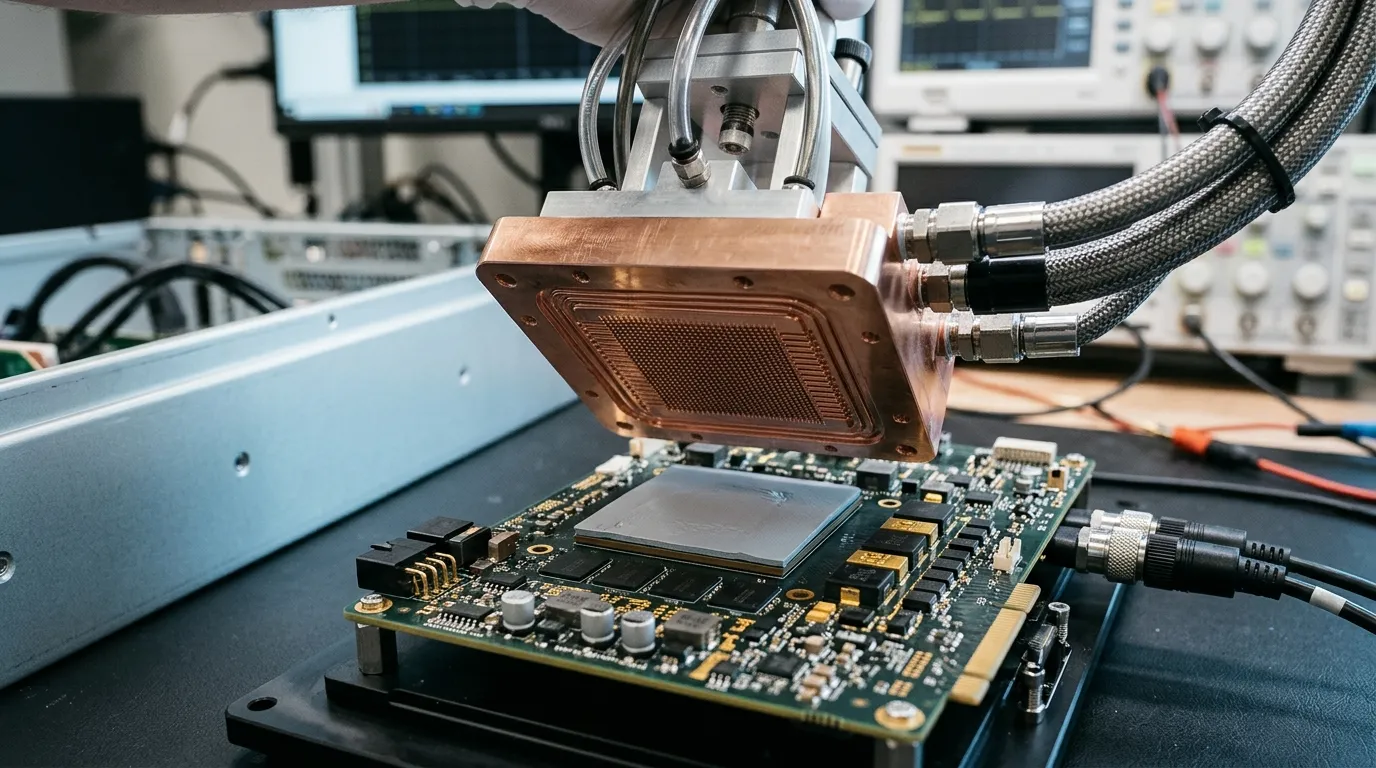
Server pads at 15–18 W/mK only pay off when the bond line is thin and the pressure is real. Read the datasheet, size hardness, set assembly pressure, qualify.
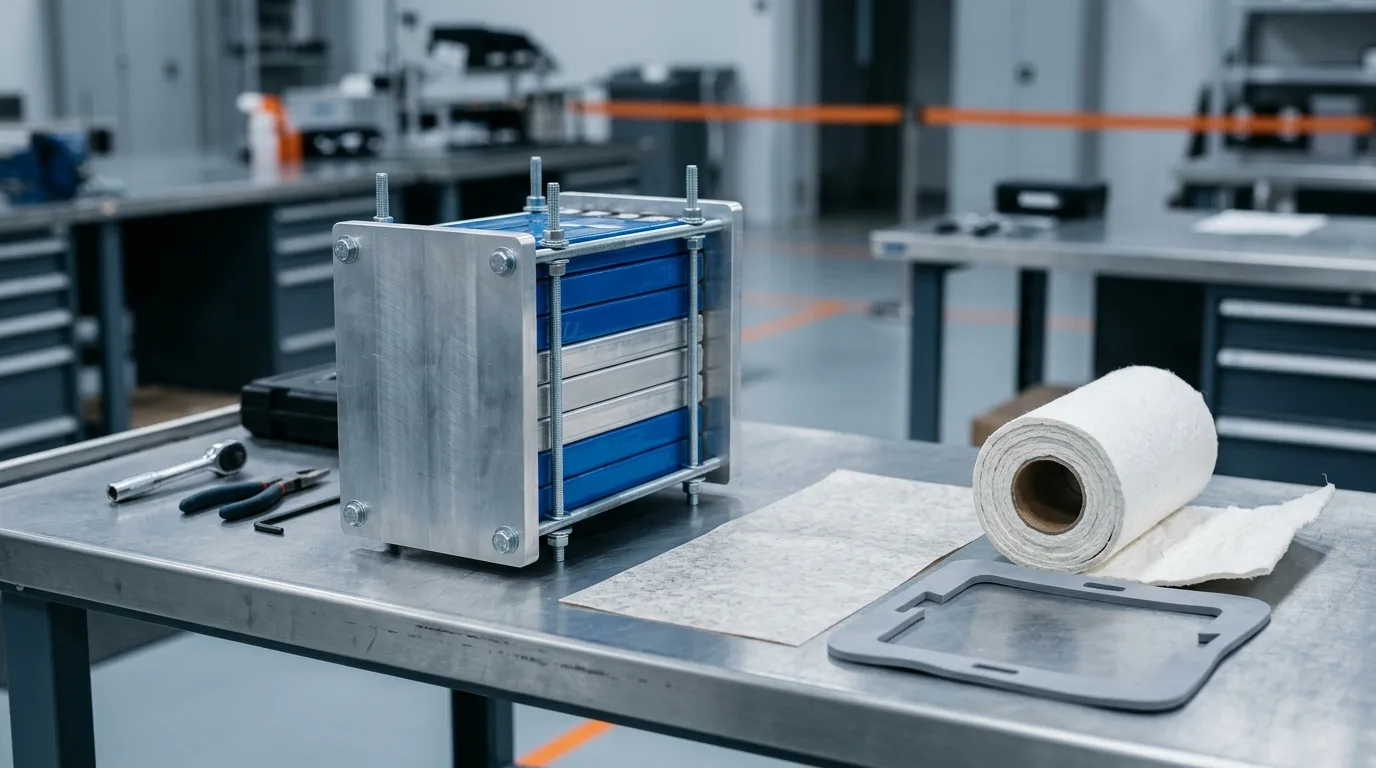
How mica, aerogel, ceramic-fiber and silicone-foam barriers slow thermal runaway propagation between cells, and the specs to check before you specify.
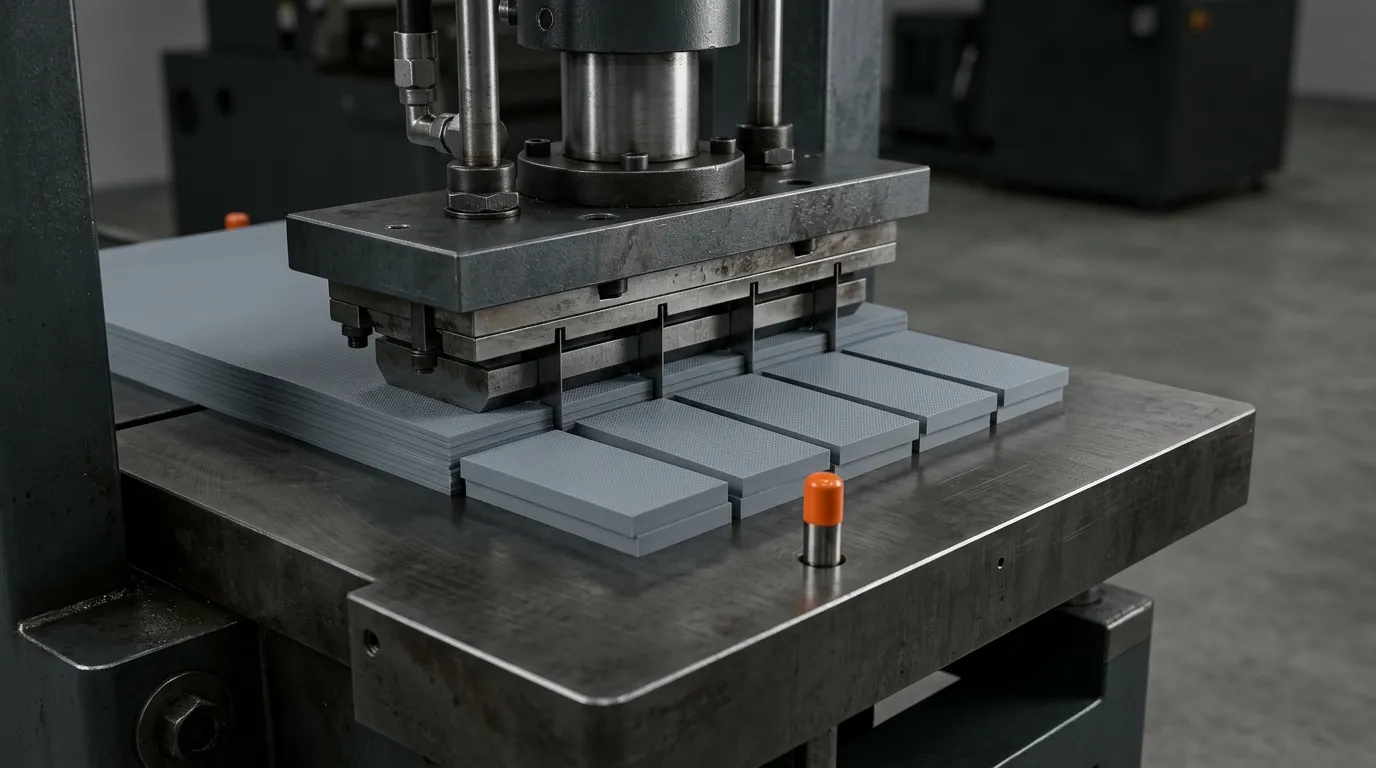
A custom die-cut TIM part is a stack, not an outline. Seven questions — material, tolerance, format, operations, tooling, delivery, quality — set feasibility.
Send us the brand and model you're replacing, or your gap, wattage and footprint — our engineers will match a ZIITEK material.