How Long Do Thermal Pads Last? Life by Application
Thermal pad life is three clocks, not one: up to 12 months in storage, 3-10 years in service, and zero recovery once a pad is re-clamped. How to tell which.
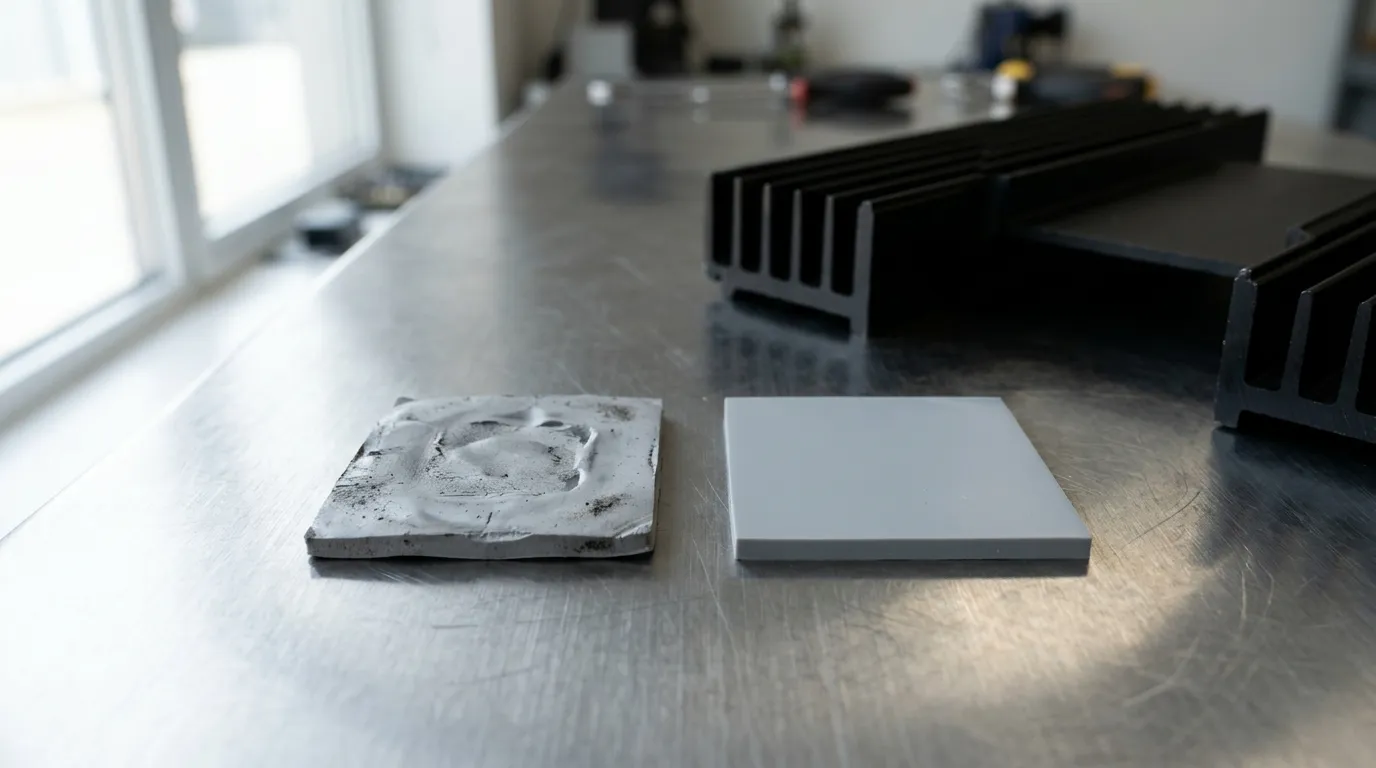
How long do thermal pads last? The published answers run from two years to ten, usually stated with confidence, and neither end is wrong — they are answers to three different questions that got filed under one heading. A pad in a sealed bag, a pad clamped in a working device, and a pad you peeled off and are about to clamp back down are three separate lifetimes, and they are measured in months, years, and nothing at all.
That matters the moment you have to decide something: whether to order a re-pad, whether a lot in the warehouse is still usable, whether the pad in your hand can go back in. The number you need depends on which of those you are actually asking.
We make thermal interface materials, including the silicone gap pads this question is usually about, so we have a commercial interest in the answer. The useful thing we can add is the part the current search results skip: what physically changes inside the pad, why one application gets five years and another gets fifteen, and how to measure whether yours has aged out before you spend money.
How long do thermal pads last: three clocks, not one
In service, a silicone gap pad is typically good for three to ten years in a consumer device, and longer in equipment that runs continuously at a moderate temperature. In storage, the number is months, not years — twelve months is the common published figure for a plain pad and about six for an adhesive-backed one. After it has been compressed and removed, the clock does not restart at all: compression set is permanent, so a re-clamped pad is a worse pad, not a fresh one.
Three clocks, three numbers that cannot be averaged:
| Clock | Typical figure | What sets it |
|---|---|---|
| Shelf life (never installed) | 6-12 months (12 plain, 6 adhesive-backed) | release liner and adhesive tack, packaging, storage temperature |
| Service life (clamped in a device) | 3-10 years, longer in benign conditions | temperature, cycling rate, compression, heat flux |
| Re-clamp life (removed and refitted) | no recovery | compression set and stress relaxation already accumulated |
The two-to-three-year figure that dominates consumer results is usually quoting a graphics-card joint as a whole — a thin gap at high flux where the die paste, not the pad, is the part that fails first. The five-to-ten-year figure belongs to a pad in a joint that stays clamped and stays cool. Neither is a property of the material alone.
This page sits inside a larger decision about which pad a device needs at all; if you are still choosing rather than replacing, the device-level thermal pad selection guide is the right starting point. If you already have a pad and want to know its condition, read on.
What actually ages inside a pad
A thermal pad is not one material. It is a polymer matrix, a conductive filler, often a reinforcement carrier, sometimes an adhesive, and always a release liner — and they do not age at the same rate or by the same mechanism.
The matrix is where most of the interesting chemistry happens. Silicone absorbs heat, oxygen and moisture and slowly changes crosslink density. Depending on the formulation and the temperature, that shows up as hardening or as softening; either way the pad stops conforming the way it did when it was new. A study in Materials that aged commercial gap fillers isothermally at 125 °C for 2,000 hours found exactly this split: the silicone-based material stayed viscoelastic while the silicone-free one hardened. What the authors conclude from that is narrower than it often gets quoted as: because thermal expansion is higher in the silicone-based material, "there might be pump-out issues" for it, and because the silicone-free one stiffens, voids can form in that one as it hardens. Two failure modes, opposite directions, same nominal function — and one word doing too much work. Pump-out in a grease means the material leaves the joint; in a crosslinked pad it means slow edge creep in a thin, hot joint, a fraction of a millimetre and usually held in place by the clamp. That difference in magnitude is why pump-out belongs to paste and creep belongs to pads.
The filler matters too, though not because it decays. Aluminum oxide is inert in this service, and boron nitride is only slowly hydrolysed by moisture — inside a cured silicone matrix that is not usually the reaction that sets the life. What decides the thermal path is whether the particles stay in contact with one another, and that is a property of the matrix holding them: as the polymer hardens, voids can open around the filler — the effect the authors above describe on the hardened side. A pad that looks intact can have lost a measurable fraction of its conductivity that way, which is why "it still feels soft" is not a test. If you need to know rather than assume, ask a supplier for aging data at the filler-matrix interface, not just a fresh-sample conductivity.
Then there is everything around the pad. Silicone oil can migrate out of the matrix and leave a film on the board around the pad — harmless electrically in most designs, but a sign the material is moving. Moisture taken up in storage changes handling and, in a sealed enclosure, contributes to outgassing. And the liner, the least functional-looking part of the stack, is frequently the first thing to become a problem: it is also the reason a pad's shelf life is shorter than its chemistry would suggest, which the storage section below covers.
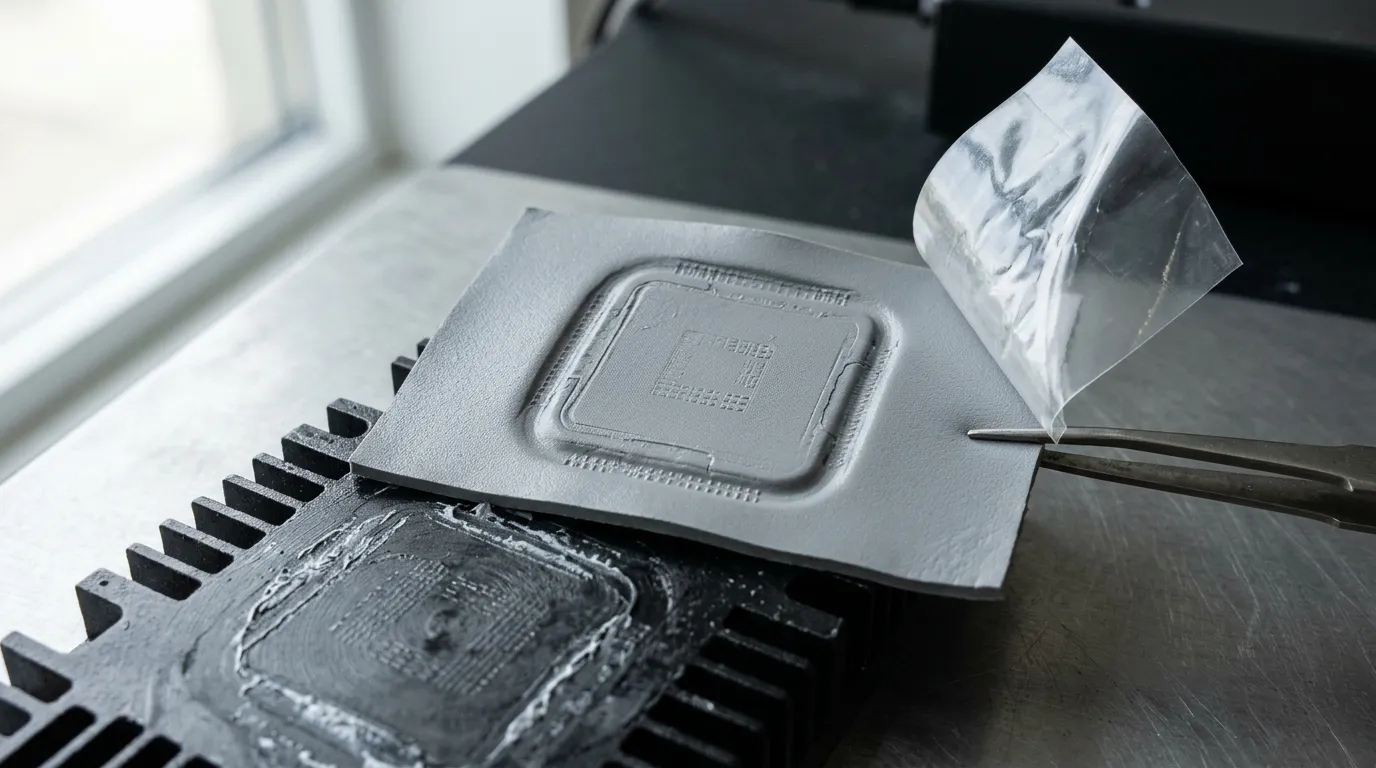
The imprint is the pad's service record: the outline shows where it was loaded, the depth shows how much of its thickness it never got back.
Compression set and stress relaxation: the two failures that cost you degrees
Two mechanisms do most of the thermal damage, and both are mechanical rather than chemical.
Stress relaxation happens while the device is running. The pad is held at a fixed gap between a component and a heatsink, and the polymer slowly stops pushing back. Contact pressure falls, the pad conforms less well to the surfaces it is supposed to wet out, and microscopic air gaps appear where there used to be contact. Nothing about the bulk conductivity changed — the interface got worse.
Compression set is what you measure after the clamp comes off. The pad has been deformed for months or years, and it does not return to its original thickness. ASTM D395-18(2025) defines the property for rubber; the constant-deflection method (Method B) is the one gap-pad datasheets usually quote: compress a specimen by a set amount, hold it at a specified temperature for a specified time, release it, and measure the fraction of thickness that never comes back. Gap pads commonly sit somewhere in the single digits to low twenties of percent depending on formulation and test temperature — that is the range quoted across supplier datasheets rather than one measured population, so the test temperature on the sheet matters as much as the number. A pad with meaningful set is a pad that cannot fill the same gap twice.
That second one is the whole answer to "can I reuse it", and it is why the re-clamp clock reads zero.
What a lost tenth of a millimeter costs
The thermal resistance of the pad itself is geometry and conductivity:
R = t / (k × A)
Take a 1.0 mm pad at 3 W/mK on a 20 × 20 mm footprint (400 mm²) carrying 50 W. The pad's own resistance is 0.83 K/W, so it drops about 42 K across itself. If stress relaxation lets the effective gap grow by 0.1 mm, resistance becomes 0.92 K/W and the drop grows to about 46 K. Four degrees, from a tenth of a millimeter, at constant power.
Two honest caveats. This is geometry only — it ignores the interfacial resistance at both faces, which in a real joint is often comparable to the pad's bulk resistance and gets worse faster than the bulk does. And four degrees is the favorable case: on a thin, high-conductivity pad the same absolute gap growth is a much larger percentage, and on a warped die the loss shows up as a hot spot rather than a uniform rise. The point is not the exact number, it is the order of magnitude: contact geometry is worth degrees, and it degrades silently.
Contact geometry is worth degrees, and it degrades without changing a single line of the datasheet.
If you are choosing a pad and want the thickness/compression relationship in more detail, how compression sets the bond line covers it from the selection side.
In-service life by application
The reason the published ranges disagree is that the applications behind them are different joints. The table below is engineering judgment, not a measured survey — treat the years as planning ranges and the middle column as the thing to actually watch.
| Application | Replacement trigger | What drives the number |
|---|---|---|
| Consumer graphics card (100-350 W) | ΔT drift under fixed load; visible hardening when removed | high heat flux, frequent power cycling, thin gap, paste usually fails first |
| Laptop or mini PC | fan noise at idle plus sustained clock loss | heat soak in a small enclosure, low clamp pressure, dust |
| SSD / M.2 controller (5-12 W) | controller throttling under sustained writes | thin pad, light pressure, few cycles, long life |
| Industrial PSU, drive, IGBT module | scheduled maintenance window; insulation check | continuous moderate temperature, high dielectric requirement, long service |
| EV / automotive power module | qualification cycle count, not the calendar | thermal cycling amplitude, vibration, 10-15 year service target |
| Server or accelerator node | per-node ΔT trending against commissioning baseline | high heat flux, service intervals, multiple pads per assembly |
| LED module | lumen or colour shift alongside junction temperature | constant temperature, thin insulating pad, no cycling |
Read the consumer rows and the industrial rows together and the two-versus-ten contradiction resolves: the consumer card is a thin joint at high flux with the die paste as the weak link, and the industrial module is a thicker joint at a steady temperature where the pad is expected to outlive the maintenance schedule. If you are re-padding a graphics card, the GPU pad selection guide covers thickness and hardness for that specific joint; for M.2 drives, the SSD pad guide handles the thin-pad case.
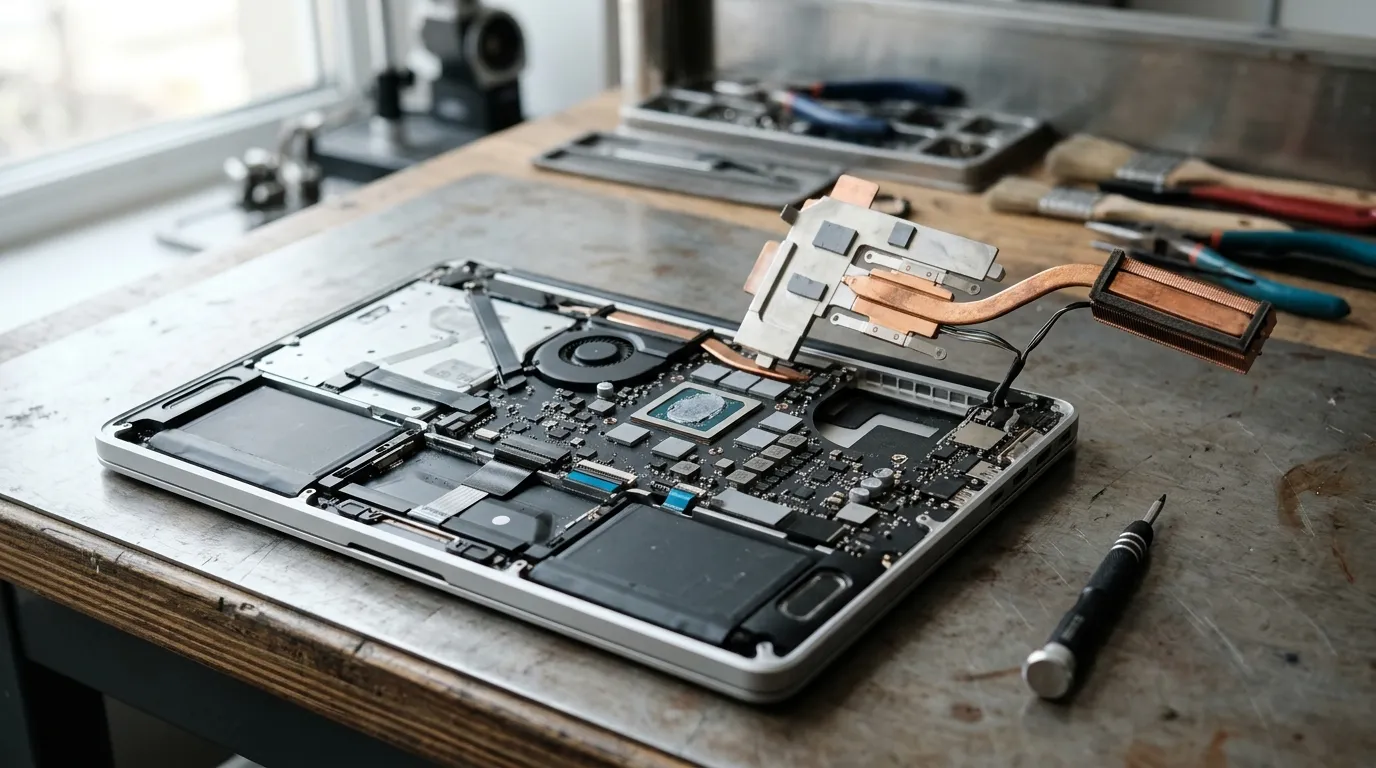
A laptop joint is the awkward case: low clamp pressure, little room, and a heat spreader that moves as it warms.
Industrial equipment looks like a different question and is mostly the same one with a slower clock. The joint is thicker, the temperature is steadier and the enclosure is bigger, so the same pad chemistry that gives a laptop six years can give a drive fifteen — provided nobody over-torqued it at assembly.
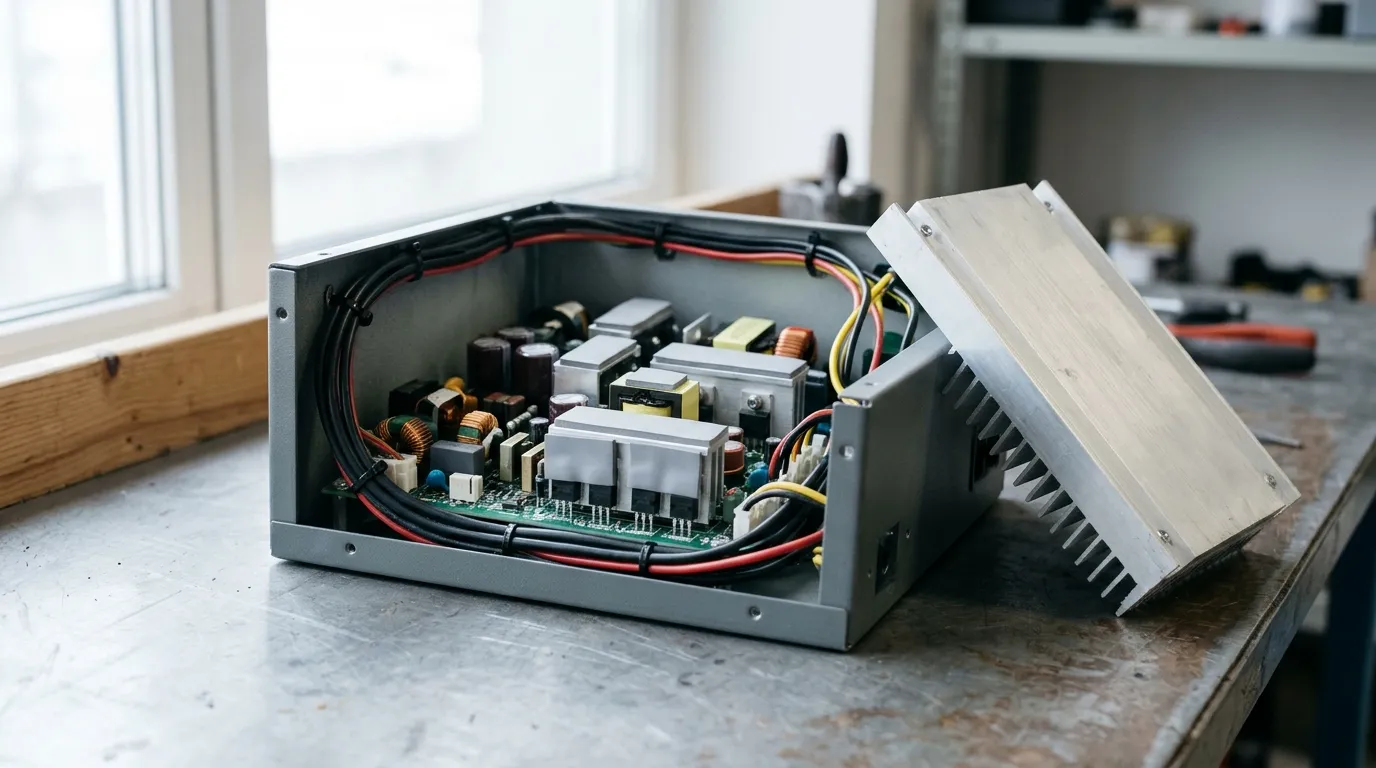
The slow case: a steady temperature, a thick joint and a maintenance window you can plan around.
Shelf life is a different number, and a different question
Storage life is the clock most often mistaken for service life, usually by someone holding an old box.
Henkel publishes the clearest first-party statement available for gap pads: BERGQUIST GAP PAD materials carry a one-year shelf life from the date of manufacture, and adhesive-backed versions six months — and, importantly, the reason is not that the pad stops conducting. Their own explanation is that long-term stability is not the limiter; adhesion and "age up" to the liner is. In other words, the bulk material is usually fine long after the label date, while the thing you need in production — clean release, consistent tack, parts that stay on the carrier — is not.
That distinction changes what you do with an expired box. An expired plain pad stored flat, cool and dry is a candidate for engineering evaluation, not automatic scrap. An expired adhesive-backed pad is a handling problem waiting to happen: liner release gets ragged, adhesive transfers, and your pick-and-place yield drops before any thermal measurement would show a difference. If the part is going into a production build, the conservative answer is replacement, because you cannot see the property that failed.
Storage conditions move the date in both directions. Heat accelerates everything; humidity degrades paper liners and can affect the pad surface; stacking heavy material on soft sheets deforms them permanently before they are ever installed; light and ozone attack the elastomer slowly. Opened packages are not ruined, but they have lost their barrier — reseal them, label the open date, and never leave a sheet face-up on a bench overnight.
For a few days of storage this is all academic. For inventory management it is the difference between a lot you can use and a lot you have to write off.

Flat, sealed and stacked by lot: the three things that decide whether an old package is still worth opening.
How to tell whether your pad has actually aged
The consumer version of this diagnosis is "the temperatures went up, so replace the pads". That is a guess dressed as a conclusion, and it is wrong often enough to be expensive.
Measure a delta, not an absolute. Compare the component's reported temperature with something that tracks the environment — heatsink temperature, coolant inlet, or the same sensor on an identical unit. The difference between them is the part the interface is responsible for; the absolute number moves with ambient, fan curve and power limit.
Fix the other variables before you test. Same workload, same ambient, same fan settings. If you changed the fan curve or the room got warmer, you have no data. On a device you are commissioning rather than repairing, log the delta at a known load once, write it down, and you will have a baseline the next time anyone asks whether it got worse.
Then judge the drift. A few degrees over several years at the same power is normal aging. A step change after a repair or a move is not aging — it is something you did. And if the delta is stable, the pad is fine no matter how old it is; calendars are not evidence.
Inspect what you can see. A pad that comes off with a hard, brittle edge, a torn surface, or an imprint that stays after you flex it has taken set. An oil film on the board around the pad is migration. A pad stuck hard to one surface and separating from the other is evidence the two faces saw different conditions. None of these is conclusive on its own, but each is a reason to measure rather than guess.

On a card that has run for years, the pads around the memory usually look worse than the pads on the die — thinner gap, hotter neighbors, and paste that failed first.
If you are comparing a measured number against a datasheet, be careful which quantity you are holding: thermal resistance and thermal impedance are not interchangeable, and a test method's conditions decide which one you actually got.
When replacing the pad is the wrong fix
Sometimes the honest answer to "how long do thermal pads last" is "longer than the thing that is actually broken".
Pressure loss without material failure. Screws back out, plastic standoffs creep, a heat spreader relaxes. The pad is fine; the clamp is not. Re-torquing to spec costs nothing and occasionally fixes everything.
Airflow and dust. A heatsink packed with lint behaves exactly like a failed interface. So does a fan curve changed by a firmware update, or a laptop used on a duvet. Check before you open anything.
The paste, not the pads. On a graphics card the die paste is the usual culprit: it pumps out under cycling, dries at the edges and leaves bare metal in the middle. Replacing pads while leaving the paste alone is a common way to spend an afternoon and gain nothing. The two materials fail differently, and pad versus paste is worth reading before deciding which one to touch.
The wrong pad, not an old pad. A pad that is too thick holds the joint open and adds resistance; one that is too thin never touches the low points of a warped die; one that is too hard needs more pressure than the clamp can deliver, so it bridges instead of conforming. If a re-pad made things worse, suspect the specification before the material.
Loose tolerances. If the gap varies by more than about half a millimeter across the footprint, no single pad thickness is right everywhere. A gap filler or putty that fills the actual gap is often the better answer than a stack of pads, at the cost of rework friendliness.
If the replacement is happening, do these five things
- Measure before you remove. Micrometer at three points on the old pad, and note the imprint depth. You are measuring the gap the assembly actually had, which is not the same as the pad's catalog thickness after years under load.
- Clean to bare metal and bare ceramic. Isopropyl alcohol and lint-free wipes, no metal scrapers, no residue left in the corners. Contamination under a new pad is indistinguishable from a bad pad.
- Match thickness to the compressed gap and hardness to the available pressure. A softer pad conforms at low pressure; a harder one needs the clamp to do the work. Getting this wrong is the most common cause of a re-pad that performs worse than the part it replaced.
- Torque in the specified pattern and value. Under-tightening leaves the pad uncompressed; over-tightening distorts the board and can crack a die. If the design calls for it, re-check torque after the first thermal cycle.
- Never reuse. It is the one step with no judgment call in it. A pad that has been compressed has already spent its recovery.
Cleaning technique matters more than most people expect, and there is a step-by-step on removing old thermal compound that covers the surfaces a pad sits on as well as the die.
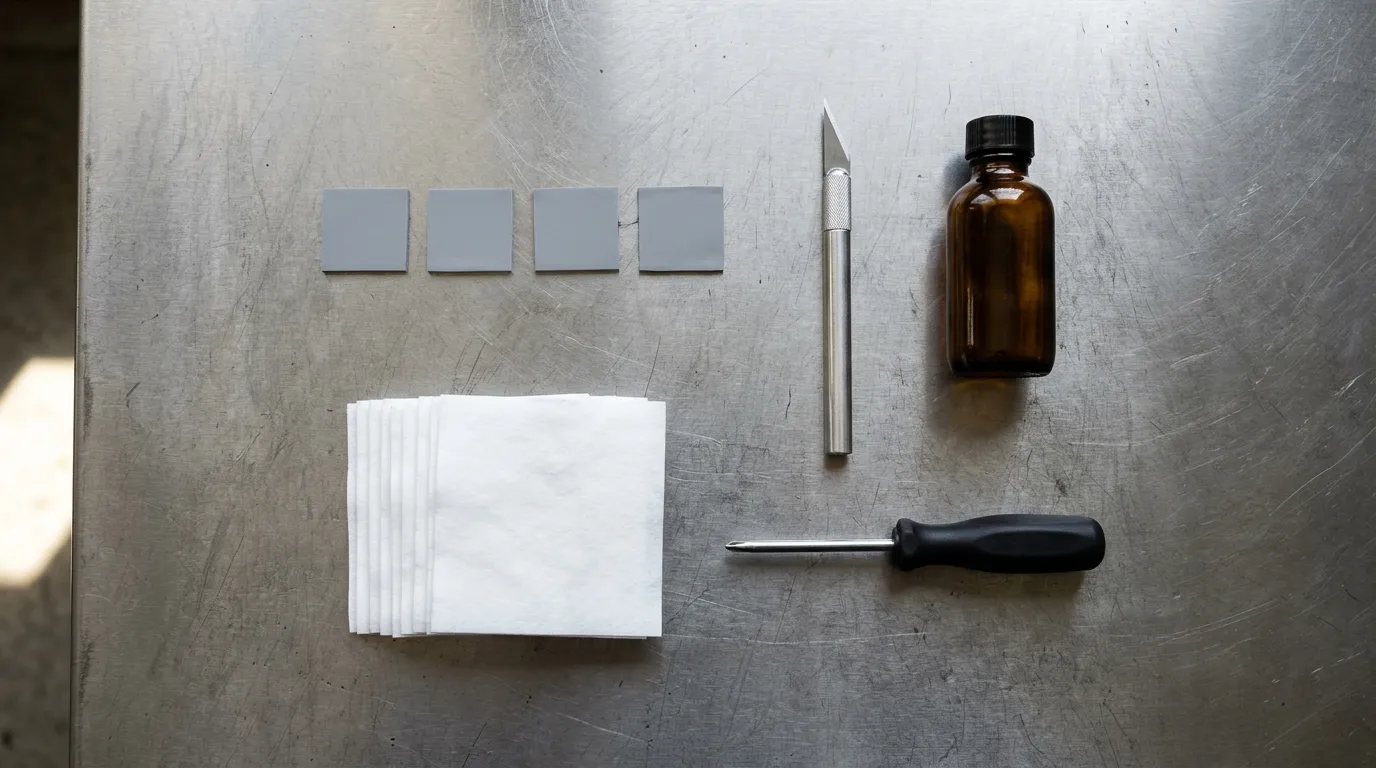
Five items, one of which is a micrometer that is not in this picture — and it is the one that decides whether the new pad fits.
What to specify if the pad must last 5-10 years
If you are on the design side, the question is not how long a pad lasts but how long the one you specified will last, and that is answerable before you commit.
Compression set at the service temperature, not at room temperature. Ask for the ASTM D395 result at the temperature the joint actually sees. A number measured at 23 °C tells you about handling, not about year eight.
Thermal data at your bond line and your pressure. A conductivity figure measured on a thick specimen at high pressure is not the number in your joint. Ask for ASTM D5470-17(2024) data at the thickness and compression you will run, and check whether the reported quantity is conductivity, resistance or impedance.
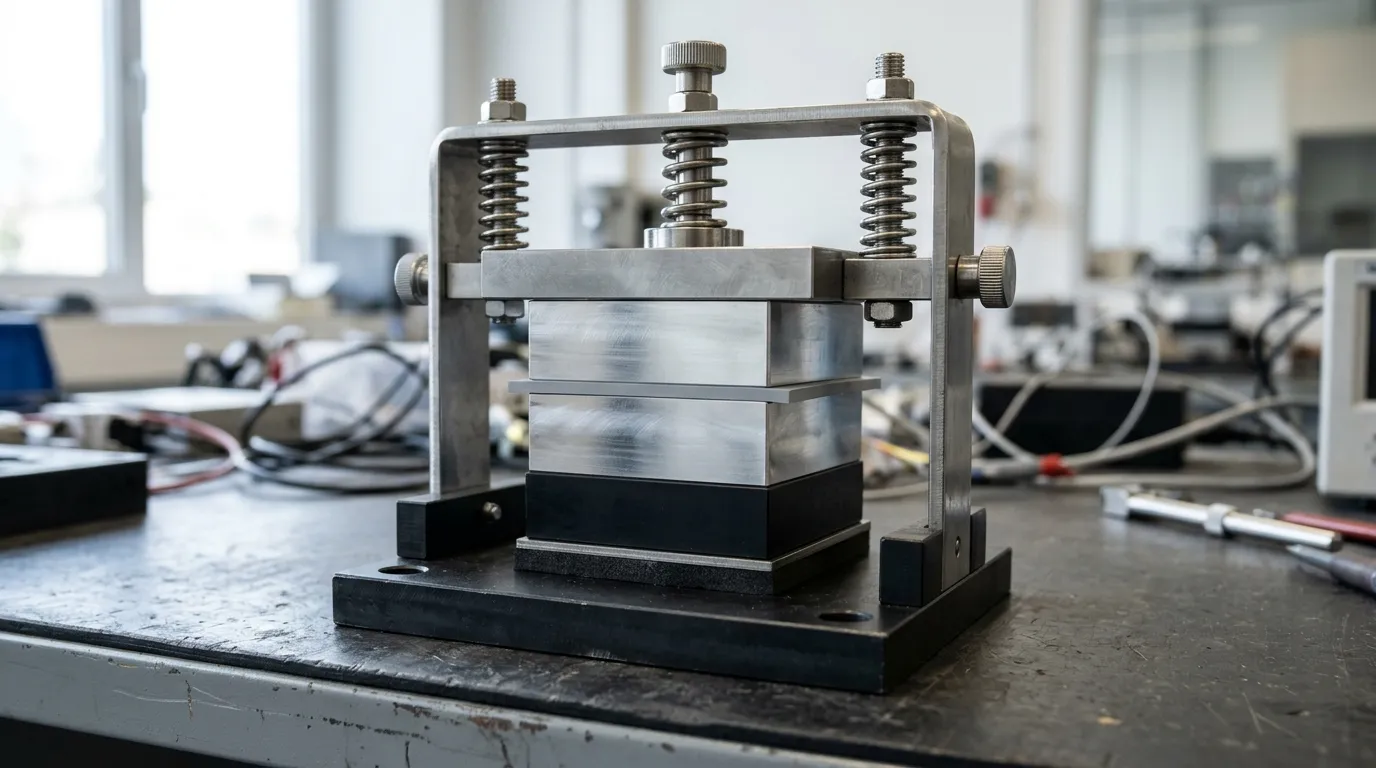
Steady-state, clamped, at a known thickness: the only way a conductivity number means anything in a design review.
A cycling qualification, not a claim. IEC 60068-2-14 defines change-of-temperature testing; the useful specification states the extremes, the dwell, the ramp and the cycle count that correspond to the product's life. A pad qualified over 100 cycles at a small amplitude has not been qualified for an automotive module.
Aged dielectric strength. Insulation properties move with aging. For anything with a safety or isolation requirement, the number that matters is the one after conditioning, not the incoming inspection value.
Aging data, or an honest absence of it. Ask what the supplier has at 1,000 hours or more at elevated temperature. Many will not have it. The ones who do tend to be the ones whose pads are still within specification in year ten, and the answer "we have not tested that" is more useful to a design review than a confident extrapolation.
Matching an existing grade from another supplier is its own exercise — drop-in replacement pads covers what to compare beyond the conductivity number.
That is the work ZIITEK does on the material side: silicone gap pads specified by thermal resistance at a defined bond line rather than by a single conductivity number, with the test method and test conditions stated on the datasheet instead of only a headline figure. If you are specifying for a product with a long service target, the thermal pad range is where those sheets live.
FAQ
How long does CPU thermal paste last? One to three years in a hot, heavily cycled joint, longer in a cool one. Paste fails by pumping out and drying rather than by compression set, so it usually goes before the pads around it. If you are repasting a laptop or card, replacing the paste alone is often the right first move.
Is 90 °C safe for a GPU? That depends on the die's rated limit, which is in the vendor's specification, not in a general rule. What is more useful: 90 °C that has been stable for two years is a design characteristic, while 90 °C that used to be 82 °C is a change worth investigating. Judge the trend, not the number.
How thick should my thermal pad be? Thick enough to fill the gap under compression and no thicker. Measure the assembled gap, or the old pad's compressed thickness plus its permanent set, and choose the nearest standard thickness that still lands in the twenty to thirty percent sweet spot, inside the 10-50% window silicone gap pads generally accept — the thickness and compression guide linked earlier in this page works through the arithmetic for a fixed gap window. Too thick is worse than slightly thin in most clamped joints.
Do thermal pads dry out? No, not in the sense paste does. A cured pad carries no solvent to evaporate, so it does not shrink or leave the dry crust you find on an old paste joint. What changes is the polymer itself: it can harden or soften as the crosslink density moves, and it takes compression set under load. That is why a pad's lifespan is decided by set and creep rather than by evaporation, and why an old pad that looks unchanged can still be a bad pad.
How do I know if thermal pads are bad? Three signals: a delta temperature that has drifted at constant power, a pad that stays deformed after removal, and oil film or a hard brittle edge on the pad surface. Any one is a reason to measure; none of them alone justifies replacement.